Livescraperチームより 2025年6月14日公開 🌐 https://livescraper.com
目次
- PythonでGoogle Placesをスクレイピングする
- 6分以内にPythonでGoogle Placesをスクレイピングする
- Livescraper SDKを使ってGoogle Mapsをスクレイピングする
- 動画チュートリアル
- FAQ
PythonでGoogle Placesをスクレイピングする
純粋なPythonだけでGoogle Mapsを直接スクレイピングするのは、Recaptcha、動的なJavaScriptレンダリング、IP制限などの高度な保護機能のため、極めて困難です。経験豊富な開発者でさえ、わずか10リクエスト以内にレート制限に達してしまいます。そこで登場するのがLivescraperです。Google Mapsからビジネスリスティング、ロケーション、レビューなどを、信頼性高く、大規模に抽出するためのオールインワン・プラットフォームです。
Livescraperを使えば、プロキシ、ヘッドレスブラウザ、Googleのフロントエンドのリバースエンジニアリングに頭を悩ませる必要はありません。あなたが個人開発者であろうと、データエンジニアリングチームの一員であろうと、当社のツールはGoogle Mapsから必要なクリーンで構造化されたデータを簡単にお届けできます。
6分以内にPythonでGoogle Placesをスクレイピングする
カスタムGoogle Mapsスクレイパーの構築と保守には数週間もの労力がかかります。さらに、Googleのボット検出システムを回避するための継続的なメンテナンスも必要です。そのため、多くの開発者がLivescraperに頼っています。Livescraperは、面倒な作業をすべて代わりに処理するクラウドベースのスクレイピングAPIプラットフォームです。
スクレイパーのインフラ管理に時間を浪費する代わりに、PythonからLivescraperのAPIを呼び出すだけで、数分以内に何千件ものエントリの結果を即座に取得できます。
Livescraper SDKを使ってGoogle Mapsをスクレイピングする
ステップ1:Python SDKをインストールする
pip install livescraperステップ2:APIキーを取得する
https://livescraper.comでアカウントを作成し、プロフィールページからAPIキーを取得してください。
ステップ3:初期化して最初のリクエストを送信する
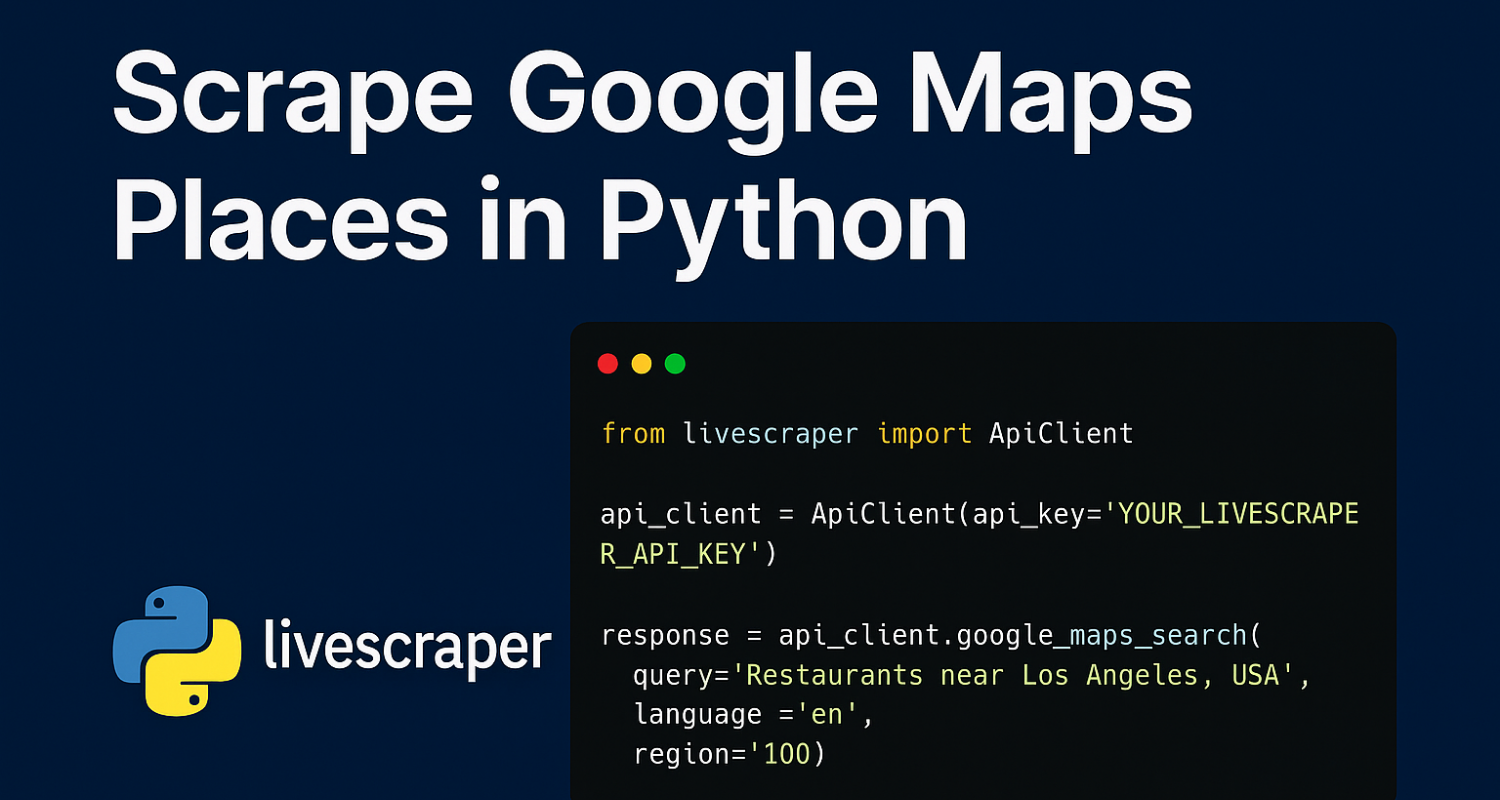
from livescraper import ApiClient

api_client = ApiClient(api_key='YOUR_LIVESCRAPER_API_KEY')

response = api_client.google_maps_search(
    query='Restaurants near Los Angeles, USA',
    language='en',
    region='us',
    limit=100
)

print(response)
ステップ4:データを処理する
リクエストが完了すると、以下のような詳細を含む構造化されたJSONを受け取れます:
- 名前
- 完全な住所
- GPS座標
- ウェブサイトと電話番号
- ビジネスカテゴリーとサブタイプ
- 評価とレビュー数
- 営業時間
- Google Mapsプレイスリンク
- その他多数...
レスポンス例:
    {
        "name": "The Rustic Table",
        "full_address": "45 Elm Street, Greenfield, MA 01301",
        "borough": "Downtown Greenfield",
        "street": "45 Elm Street",
        "city": "Greenfield",
        "postal_code": "01301",
        "country_code": "US",
        "country": "United States of America",
        "us_state": "Massachusetts",
        "state": "Massachusetts",
        "plus_code": null,
        "latitude": 42.587042,
        "longitude": -72.601493,
        "time_zone": "America/New_York",
        "popular_times": null,
        "site": "http://www.therustictable.com/",
        "phone": "+1 413-555-1234",
        "type": "Farm-to-table restaurant",
        "category": "restaurants",
        "subtypes": "Farm-to-table restaurant, Bistro, Organic restaurant, Vegan restaurant, Restaurant, Wine bar",
        "posts": null,
        "rating": 4.7,
        "reviews": 540,
        "reviews_data": null,
        "photos_count": 320,
        "google_id": "0x89df123456789abc:0xa1b2c3d4e5f6g7h8",
        "place_id": "ChIJ1234abcd5678efgh90ijkl",
        "reviews_link": "https://search.google.com/local/reviews?placeid=ChIJ1234abcd5678efgh90ijkl&q=restaurants+greenfield+usa&authuser=0&hl=en&gl=US",
        "reviews_id": "-1234567890123456789",
        "photo": "https://example.com/photos/restaurant.jpg",
        "street_view": "https://example.com/streetview/restaurant.jpg",
        "working_hours_old_format": "Monday: Closed | Tuesday: 5–10PM | Wednesday: 5–10PM | Thursday: 5–10PM | Friday: 5–11PM | Saturday: 12–3PM, 5–11PM | Sunday: 12–3PM, 5–9PM",
        "working_hours": {
            "Monday": "Closed",
            "Tuesday": "5–10PM",
            "Wednesday": "5–10PM",
            "Thursday": "5–10PM",
            "Friday": "5–11PM",
            "Saturday": "12–3PM, 5–11PM",
            "Sunday": "12–3PM, 5–9PM"
        },
        "business_status": "OPERATIONAL",
        "about": {
            "Service options": {
                "Dine-in": true,
                "Delivery": true,
                "Takeout": true
            },
            "Health & safety": {
                "Mask required": false,
                "Staff required to disinfect surfaces between visits": true
            },
            "Highlights": {
                "Farm-to-table ingredients": true,
                "Great cocktails": true,
                "Live music": true
            },
            "Popular for": {
                "Lunch": true,
                "Dinner": true,
                "Special occasions": true
            },
            "Accessibility": {
                "Wheelchair accessible entrance": true,
                "Wheelchair accessible restroom": true,
                "Wheelchair accessible seating": true
            },
            "Offerings": {
                "Local beers": true,
                "Seasonal dishes": true,
                "Vegetarian options": true,
                "Vegan options": true,
                "Organic dishes": true,
                "Wine": true
            },
            "Dining options": {
                "Dessert": true,
                "Outdoor seating": true
            },
            "Amenities": {
                "Free parking": true,
                "Wi-Fi": true
            },
            "Atmosphere": {
                "Cozy": true,
                "Casual": true,
                "Family-friendly": true
            },
            "Crowd": {
                "Groups": true,
                "Couples": true
            },
            "Planning": {
                "Dinner reservations recommended": true,
                "Accepts reservations": true
            },
            "Payments": {
                "Credit cards": true,
                "Contactless payments": true
            }
        },
        "range": "$$",
        "reviews_per_score": {
            "1": 5,
            "2": 7,
            "3": 30,
            "4": 120,
            "5": 378
        },
        "reserving_table_link": "https://example.com/reserve",
        "booking_appointment_link": "https://example.com/book",
        "owner_id": "123456789012345678901",
        "verified": true,
        "owner_title": "The Rustic Table",
        "owner_link": "https://www.google.com/maps/contrib/123456789012345678901",
        "location_link": "https://www.google.com/maps/place/The+Rustic+Table/@42.587042,-72.601493,14z/data=!4m8!1m2!2m1!1sRustic+Table!3m4!1s0x89df123456789abc:0xa1b2c3d4e5f6g7h8!8m2!3d42.587042!4d-72.601493"
    }
このデータをそのままアプリケーション、CRM、分析ダッシュボードに直接取り込めます。
動画チュートリアル
🎥 ステップバイステップの動画ガイドについては、当社のYouTubeチャンネルをご覧ください。
[embed]https://www.youtube.com/watch?v=E2CNtWOaBJo&pp=ygULbGl2ZXNjcmFwZXI%3D[/embed]
FAQ
Q: Livescraperを使ってPythonでGoogle Mapsからデータをスクレイピングするにはどうすればよいですか?
A: Python SDKをインストールし、APIキーで認証を行い、シンプルなクエリを実行することで、Google Mapsから構造化されたプレイスデータを取得できます。
Q: どのような種類のデータを抽出できますか?
A: ビジネス名、住所、電話番号、レビュー、ウェブサイト、評価、座標、カテゴリー、営業時間など、さまざまなデータを抽出できます。
Q: LivescraperでGoogle Mapsのレビューをスクレイピングできますか?
A: はい、当社のAPIはビジネスの詳細なレビュー抽出に対応しており、レビュー投稿者の名前、タイムスタンプ、評価、内容などを取得できます。
Q: どのくらい速いですか?
A: 当社のインフラは、数百件の結果を数秒以内に返却できるように最適化されています。あとは座って、Livescraperに大変な作業を任せるだけです。
始める準備はできましたか?
Livescraperを使ってローカルデータ抽出を自動化している何千人もの開発者に加わりましょう。🔗 https://livescraper.comにアクセスして、今すぐサインアップしてください!