Reputation management agencies solve a visibility problem for their clients and often have one of their own. Cold outreach for this kind of service is unusually hard to personalise at scale: "we can improve your online reputation" is a message every business with a bad review has heard before, usually right before deleting it.
The businesses most worth reaching already have the proof sitting in public view. A specific, dated, negative Google review is evidence a prospect can't dismiss as generic; it's their own customer's words, describing a problem the agency is built to fix. Agency prospecting built around that evidence reads as informed rather than templated, and gets a meaningfully different response than a form email.
This guide covers how reputation management agencies use Google review analysis to find new clients — including a specific method for turning one representative negative review per business into the anchor of a cold outreach message, and how to run the whole process with a Google Maps Reviews Scraper instead of manual research.
The same underlying approach shows up under different names across the industry; some agencies call it review-based prospecting, others just call it "finding businesses that need us", but the mechanics are consistent: find businesses with a documented problem, then reach out referencing that specific, real evidence instead of a generic pitch.
Why Google Reviews Make Strong Prospecting Material
Three qualities make Google reviews unusually good raw material for agency prospecting, compared to a generic purchased list:
Specificity: the reviewer is describing something that actually happened, in their own words, rather than a category assumption about what a business might struggle with.
Recency: every review carries a date, which tells you whether an issue is recent and unresolved or old and possibly already addressed.
Public: the review is visible to anyone who looks at the listing, which means referencing it in outreach isn't presumptuous; it's citing something the business itself already made public.
Put together, this is closer to warm outreach than cold: the prospect already has a documented problem, in public, that maps to exactly what the agency sells.
Compare that to a typical cold email built from a purchased list: the pitch has to assume a business might have a reputation problem, without any evidence either way. A message built from an actual review skips that assumption entirely; the business's own customer already stated the problem, and the outreach only needs to connect that stated problem to the fix.
Defining a Target Profile Before Prospecting
Not every business with a low rating is an equally good client for a reputation management agency. A business with a genuinely broken operation chronic staffing turnover, unresolved legal disputes, a pattern of complaints that goes back years with no improvement may not be fixable through reputation management alone, however good the agency is. A stronger fit is usually a business that's otherwise sound but has let review response lapse, picked up a cluster of recent complaints after a specific change (new staff, new location, new pricing), or simply never engaged with its online presence.
Building this distinction into the target profile filtering- not just by rating, but by category, review volume, and how recent the negative pattern is keeps the prospecting list focused on businesses the agency can realistically help, rather than every low-rated business in a market.
The One-Review Personalisation Method
A common and effective approach is to anchor each outreach email around a single representative negative review per business, rather than a generic summary of "your reviews." The process looks like this:
Find businesses in the target category and location with a qualifying rating (for example, under 4 stars).
Pull their review history and filter down to negative reviews only.
Select one review per business that best represents a recurring, fixable issue, not the harshest review, necessarily, but the clearest one.
Reference that specific review in the outreach message, showing the prospect the agency has actually looked at their situation rather than sending a templated pitch.
Example structure: "I noticed a recent review mentioning [specific issue] — that's exactly the kind of pattern we help businesses like yours turn around." The review supplies the specific detail; the agency supplies the fix.
The mechanics of steps two and three pulling full review history and narrowing to one representative review per business is the part that doesn't scale manually past a handful of businesses, which is where a Google Maps Reviews Scraper becomes necessary rather than optional.
Key Features for Building This Prospecting List
Livescraper covers the full pipeline with connected, no-code tools:
Google Maps Data Scraper: search by category and location, filtered by rating, to build the initial list of businesses worth reviewing further.
Google Maps Reviews Scraper: pull the full review history for each business using its place ID, filtered by star rating so only negative reviews come back.
Email Scraper: adds the business's contact email pulled from its own website, so the resulting file has both the review evidence and a way to reach the business.
Combined dataset: keeps the business record and its selected review together in a single file, so the personalisation detail travels with the contact record into an outreach tool.
Step-by-Step: Building the Agency Prospecting List
Step 1: Create a Free Account
Sign up and start on the free tier; no card required.
Step 2: Find Businesses With a Qualifying Rating
Run the Google Maps Data Scraper by category and location, filtered by rating (for example, under 4 stars), to build the initial list.
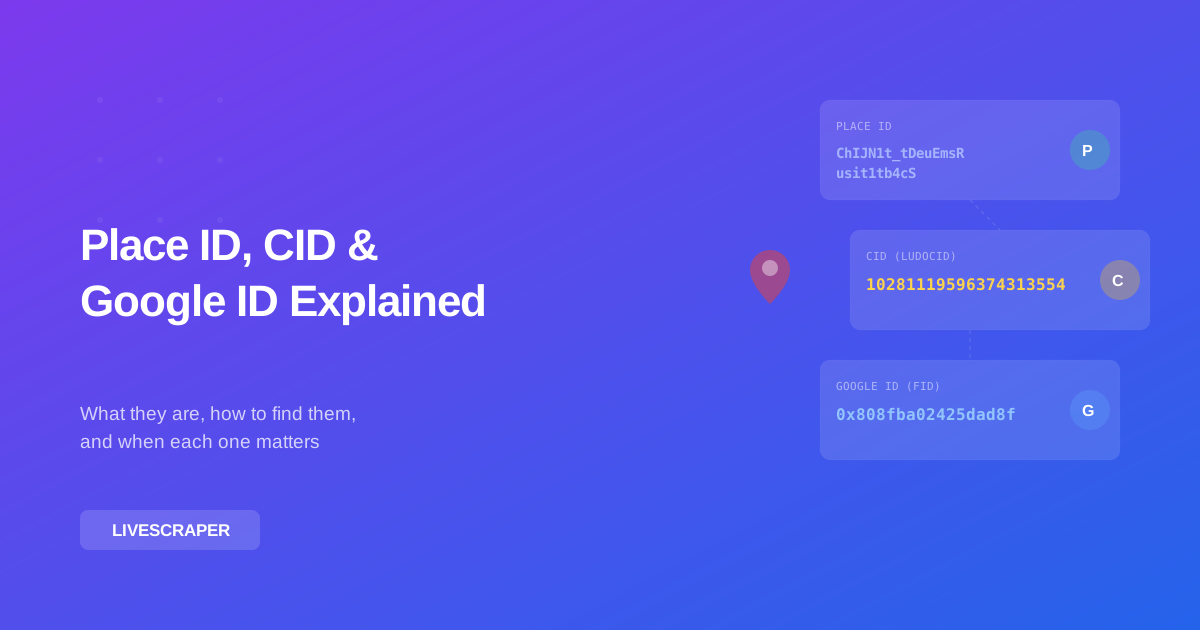
Step 3: Pull Reviews Using Place IDs
Feed the place IDs from Step 2 into the Google Maps Reviews Scraper to pull each business's full review history.
Step 4: Filter to Negative Reviews
Narrow the review pull to 1–2 star ratings, sorted by newest, so the results reflect current, unresolved issues.
Step 5: Select One Representative Review Per Business
Read through the filtered reviews and choose the single clearest, most representative complaint for each business to carry into outreach.
Step 6: Enrich With Contact Emails and Export
Run the Email Scraper to add a contact email per business, then export the combined file: business data, selected review, and contact as CSV, XLSX, or JSON.
Running This as an Ongoing Prospecting Pipeline
New negative reviews post continuously, which means this isn't a one-time list-building exercise. Re-running the same category-and-location search on a monthly or quarterly cadence surfaces newly-qualifying businesses ones that have picked up a new negative review, or dropped below a rating threshold since the last pull keeping the outreach pipeline current instead of working the same static list until it's exhausted.
This cadence also supports a second use case beyond cold outreach: existing clients. An agency already managing a business's reputation can re-run the same Reviews Scraper pull against its own client roster to catch new negative reviews as they land, functioning as both a prospecting tool and an ongoing review monitoring system for accounts already under contract.
Tracking which businesses were already contacted, and when, avoids the awkwardness of referencing the same review twice or re-pitching a business that already responded.
Measuring Whether This Pipeline Is Working
Because this method produces a smaller, more targeted list than a generic cold email blast, the relevant metrics shift accordingly. Response rate and reply-to-meeting conversion tend to matter more than raw send volume, since the whole premise is quality over quantity: a hundred highly personalised emails referencing real reviews should meaningfully outperform a thousand generic ones on both counts. Tracking which review types (service delays, staffing complaints, pricing friction) convert best also helps refine the target profile over time, rather than treating every negative review category as equally promising.
Using This Responsibly
The line between informed outreach and something that feels invasive is thinner than it looks. Referencing a specific, real review accurately is different from exaggerating a business's reputation problem or contacting the same business repeatedly after they've declined. Staying factual, citing what a review actually says rather than editorialising beyond it, is both more effective and more respectful of the business on the other end.
Conclusion
Reputation management agencies have an unusual advantage available to them that most cold outreach doesn't: the prospect's own problem, described in their own words, sitting in public view on Google Maps. Building a prospecting list around businesses with a qualifying rating, pulling their review history, and anchoring outreach around one representative review turns Google review analysis from a monitoring task into a genuine client acquisition channel one that a Google Maps Reviews Scraper makes repeatable at a scale manual research never could.
Frequently asked questions
Isn't referencing someone's bad review in a cold email too aggressive?
It depends on how it's done. Citing a specific, accurate detail from a public review to show genuine familiarity with a business's situation reads as informed outreach. Exaggerating the issue or contacting the business repeatedly after no response crosses into something else.
How do I choose which review to reference when a business has many negative reviews?
Favour the clearest, most recent, and most representative complaint over the harshest one. A review describing a specific, fixable issue makes a stronger anchor than an emotional but vague one.
How often should I refresh this prospecting list?
Monthly or quarterly works well for most categories: frequent enough to catch newly qualifying businesses, and infrequent enough to avoid re-contacting the same prospects too often.
Can I pull reviews for a specific list of businesses I already have, rather than searching by category?
Yes, the Reviews Scraper accepts place IDs or Google IDs directly, so an existing list of businesses can be enriched with review data without re-running the discovery search.
What export formats are available?
Results can be downloaded as CSV, XLSX, or JSON, ready for a CRM or outreach tool.
Is every low-rated business a good prospect for reputation management?
Not necessarily. Businesses with deep, longstanding operational problems may not be a good fit for reputation management alone. A better target profile is often a business that's otherwise solid but has let review response lapse or picked up a recent cluster of complaints a pattern reputation management can realistically address.