A free scraper is tempting because there is no pressure at the start. You can test one search, pull a small file, and see whether the results are useful. For a simple check, that may be enough. A Free Google Maps Scraper can help a freelancer, student, small agency, or new sales team understand how map data works before spending money.
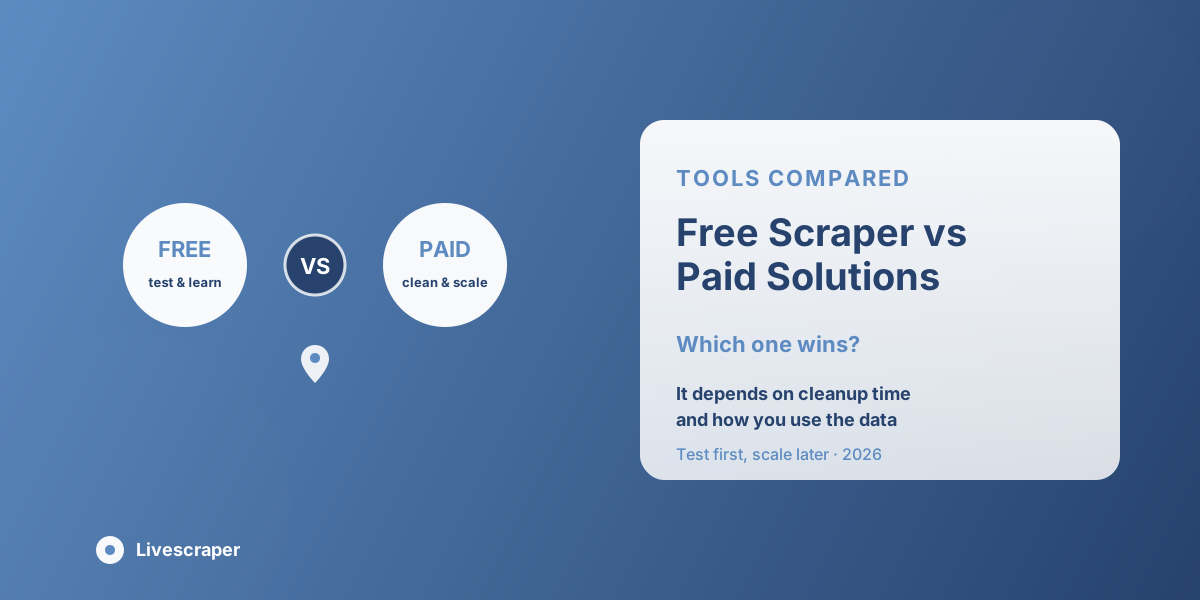
The real question is not only free versus paid. It is light testing versus serious work. A one-time check has different needs from weekly lead generation, local SEO reporting, or client-ready exports. When the work grows, the tool has to handle cleaner files, larger tasks, better filtering, and fewer mistakes. Livescraper gives teams a practical way to test first, then move into a more structured workflow when the project needs more control.
Why Free Tools Are Useful at the Start
Free tools have a real place. Not every project needs a paid system from day one. If someone only wants to understand what kind of details can be collected from Google Maps, a free option can be a sensible first step. A small business owner may want to check a few competitors. A freelancer may want to test one category in one city. A new agency may want to see whether business listings from Google Maps can support a client pitch. In these cases, paying before testing may not feel practical.
A Free Google Maps Scraper can help answer basic questions. What fields are available? How does the file look? Are phone numbers included? Do websites appear in the export? Is the category useful? Can the data be opened in a spreadsheet? Free tools are also useful for learning. A team can run one search, study the output, and decide whether the target category is too broad or too narrow. That early learning can prevent poor spending later.
Where Free Scrapers Start to Feel Limited
The limits of free tools usually appear when the job becomes bigger. A small file may be easy to review manually. A larger file is different. Row limits, fewer filters, slower runs, limited export options, or weaker cleanup support can quickly make the process feel heavy. There is also the hidden cost of repair. A free tool may give the data, but someone still has to remove duplicates, fix columns, check missing websites, and prepare the file for a campaign. That work may feel fine once. It becomes tiring when the same process repeats every week.
A rough map data export may be acceptable for a small inspection. It is not always enough for a client report, CRM upload, or sales campaign. Once other people depend on the file, the standard changes. The question becomes simple: does the tool save time, or does it pass cleanup work to someone else? That is where paid solutions often become easier to justify. The value is not just in pulling more rows. The value is in getting data that is easier to use after export.
What Free Tools Can Handle and What They Cannot
Free does not mean useless. It simply means the tool should be matched to the size and seriousness of the job. A free scraper can be helpful when the work is exploratory, temporary, or small. It becomes less practical when the list needs to support sales, reporting, or repeat client work.
Good for Small Tests
Free tools work well when the user wants to test one location, one category, or one short list. If the goal is to learn how Google Maps data appears in a spreadsheet, a free option is a reasonable place to begin.
Useful for Comparing Output
A free run can help compare different tools. The team can check which fields appear, how clean the file looks, and whether the export format is easy to understand. This helps avoid choosing a paid solution blindly.
Limited for Repeat Campaigns
When the same process has to happen every week or across several locations, free tools can feel restrictive. The team may run into row limits, weaker filtering, or more manual cleanup. That slows down the work.
Risky for Client or CRM Work
If the data will go into a CRM, client report, or sales campaign, the file needs to be cleaner. A weak export can create duplicate records, missing fields, and messy reporting. At that point, the cheapest tool may not be the most practical one.
Why Clean Export Quality Matters More Than Price
A file can look full and still be hard to use. If business names repeat, addresses are split poorly, ratings are mixed with other details, or websites are missing, the team has more work to do before the data helps anyone. A good map data export should open cleanly and make sense without much explanation. Each row should represent one business. Each column should hold one clear detail. The file should be easy to filter by category, city, website status, rating, or priority.
This is where paid tools often have an advantage. They are usually built for people who need to reuse the data, not just look at it once. Cleaner columns, CSV or Excel options, better field control, and duplicate handling can save hours. That saved time may be worth more than the cost of the tool. If a sales team spends half a day cleaning a free export, the free option may not really be free. Good data should travel well. It should not break when another person opens it, imports it, or uses it for outreach.
Why Local SEO Work Needs Reliable Data
Local SEO work is detail-heavy. Name, address, phone number, category, website, reviews, ratings, and competitor count can all affect the analysis. Teams using local SEO tools need data that stays consistent across clients, categories, and locations. A rough export may be fine for a quick look, but it is not ideal for a client report or citation planning. If one file includes review counts and another does not, the analysis becomes uneven. If categories are inconsistent, comparisons become harder to explain.
A local SEO team may need:
- Business name and category
- Address and service area
- Website and phone number
- Rating and review count
- Competitor details
- Consistent export fields
A Google Maps Scraper with better control can make this work easier. The team can compare businesses by location, category, profile completeness, and review activity. This supports audits, competitor checks, and local visibility planning. For agencies, reliable data also protects time. Clients may not see the hours spent fixing messy exports, but the agency does. Cleaner data means less repair work and more time spent on analysis.
How Sales Teams Should Compare Free and Paid Options
Sales teams should not judge a tool only by the number of rows it returns. A list of ten thousand poor-fit records can create worse results than five hundred strong ones. Better lead generation depends on relevance, contact paths, and context. For example, a web design agency may want businesses with weak or missing websites. A booking software company may look for clinics, salons, and gyms with active local demand. A reputation service may care about rating patterns. If the scraper cannot help narrow the list, the team has to do that work manually.
A good comparison should look at the full effort:
- How many rows are needed?
- How clean is the export?
- How much cleanup is required?
- Are duplicates handled?
- Can the file be used for outreach?
- Does it support the team’s workflow?
A paid tool should make the next step easier. If the export helps reps prioritize, write better messages, and import data cleanly, the value is clear. If it only gives more rows without context, it may not solve the real problem.
When the Free Option Still Makes Sense
There is no reason to pay for a larger system before the need is clear. Free makes sense when the project is small, temporary, or still being tested.
A free option is usually enough when:
- The list is very small
- The project is only a test
- Manual cleanup is acceptable
- No CRM import is needed
- The user is still defining the target market
- The result does not need to be client-ready
That last point matters. Many teams do not know what they need until they run a few sample searches. A free tool gives them space to learn. They can test one category, look at the output, and decide whether the search needs to be narrower. Free also works well when a manager needs proof before approving a paid workflow. A small sample can show whether the data is useful. Once the team sees value, it becomes easier to justify a paid option with cleaner exports and more control.
What Paid Tools Should Actually Prove
A paid tool should not win just because it costs money. It should prove its value in time saved, cleaner records, better control, and more reliable output. A serious Google Maps Scraper should reduce repeated work. It should help with larger runs, better filters, export options, duplicate handling, and cleaner files. It should also be simple enough for non-technical people to use.
The best paid solutions are not only about scale. They are about trust. The team should know what fields will come back, how many rows to expect, and how the data can be used after export. Paid tools matter most when deadlines matter. If a sales list, competitor file, or client report is needed quickly, the team cannot spend half the day fixing rows. Reliability becomes part of the value.
A strong paid tool should help with:
- Larger projects
- Cleaner exports
- Duplicate handling
- Better filters
- CSV or Excel downloads
- Repeatable workflows
- Sales and SEO use cases
A paid option wins when it makes the full workflow easier, not just the first download.
How Livescraper Helps Teams Test and Scale
Livescraper is useful because it supports both learning and scaling. A team can begin with a smaller test, review the results, and then decide whether to expand the workflow. That makes it practical for users who do not want to commit before seeing the data. For small projects, Livescraper helps users understand what Google Maps data can provide. For larger projects, it supports cleaner exports, structured fields, deduplication, and a no-code workflow that teams can repeat.
This balance matters. A freelancer may only need a sample list. An agency may need consistent exports for several clients. A sales team may need weekly files for outreach. A local SEO team may need repeat competitor checks across different cities. Instead of choosing between “free forever” and “paid from day one,” teams can think in stages. Test first. Review the output. Clean the target. Then scale when the project proves useful.
Conclusion
Free and paid scrapers solve different problems. A Free Google Maps Scraper is useful for testing, learning, and checking small business listings before spending money. Paid tools usually win when teams need cleaner exports, larger jobs, better filters, and dependable data for local SEO tools or lead generation work. Livescraper brings both sides closer by giving teams a practical way to test map data, create a clean map data export, deduplicate records, and scale when the project becomes serious. The right choice depends on workload, cleanup time, and how the data will be used.