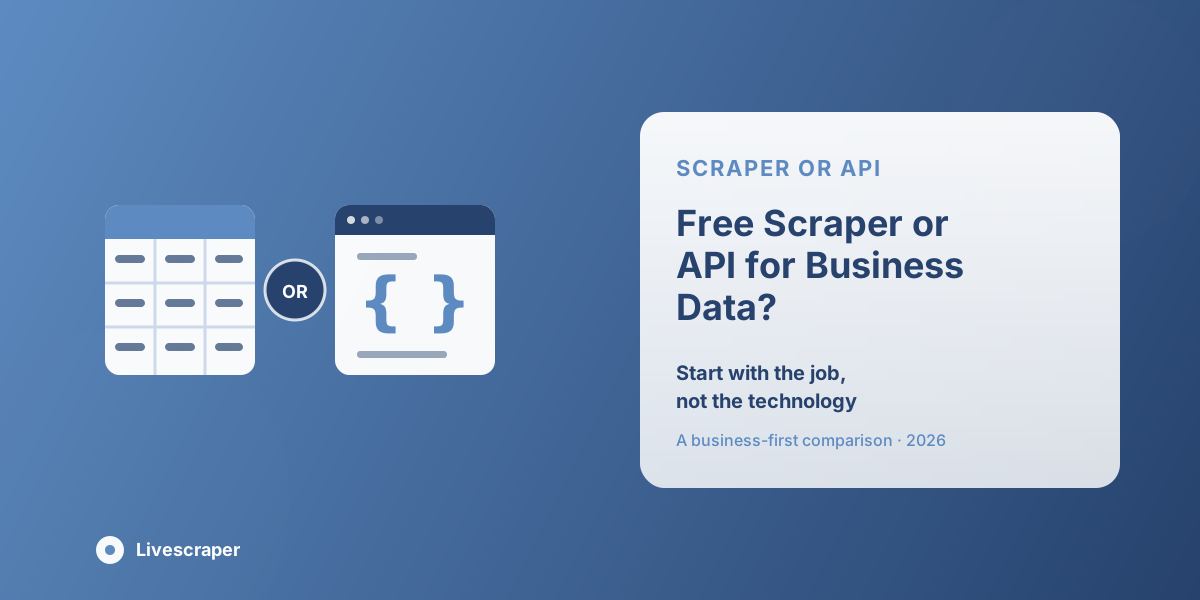
The choice between a scraper and an API should not start with a technical debate. It should start with the work the team needs to finish. A sales manager may need a spreadsheet of businesses in one city. A developer may need location data inside an app. A local SEO team may need competitor details across several categories. A Free Google Maps Scraper can be useful when the goal is to collect public business details quickly and review them in a simple format.
An API usually fits a more technical workflow. It can support apps, internal tools, live search features, or product-level data requests. A scraper often fits business teams that need rows, columns, filters, and exports. The better option depends on who will use the data, how fast they need it, and what format makes the work easier. Livescraper gives non-technical teams a practical way to collect public map data without turning every project into a development task.
Start with the Job, Not the Technology
Many teams compare scrapers and APIs in the wrong way. They begin by asking which option sounds more advanced. That usually leads to confusion. The better question is simpler: what job does the team need the data to support? If the goal is to build an app feature, a technical workflow may make sense. If the goal is to collect a list of companies for sales, research, or local SEO work, a scraper may be easier. A business team may not need a complex endpoint. It may need a clean sheet with names, websites, categories, phone numbers, ratings, and locations.
That is why the decision should be based on output. A sales team wants usable records. A researcher wants sortable fields. A local SEO consultant wants comparison data. A developer may want structured requests and live responses. A Google Maps API Alternative can be useful when a team wants public business data without building every technical layer by hand. The right option is the one that removes work, not the one that sounds more technical.
When an API Makes More Sense
An API can be the right option when a company has a developer, a clear technical use case, and a need to connect data with software. For example, a business may want location search inside its app, map results on a website, or a custom internal tool that requests data automatically.
APIs are usually useful when the project needs:
- Developer-controlled requests
- App or website integration
- Structured technical workflows
- Internal system connections
- Custom product features
- Live or repeat programmatic requests
This kind of setup makes sense for engineering teams. It gives developers more control over how data is requested, stored, and displayed. It can also support product features that require regular calls from a backend system. The tradeoff is setup time. APIs usually need keys, documentation, development time, testing, and technical ownership. That is fine when the team has engineering resources. It may be too much when a sales manager or agency operator only needs a clean business file.
If the job is outreach, competitor research, or market review, a no-code scraping workflow may be faster. If the job is product development, an API-style workflow may be worth the extra setup.
Where a Free Scraper Fits Better
A scraper becomes more practical when the desired output is a list, not an app feature. If the team needs businesses by category, city, rating, website, phone number, or location, a scraper can turn map results into a usable file. A clean Google Maps data export is often enough for sales planning, competitor checks, local SEO audits, recruiting research, and early market review. The people using this data may not be developers. They may be founders, SDR managers, local SEO consultants, researchers, agency teams, or operations staff.
These teams need data they can open and use today. They do not want to wait for a technical setup just to review businesses in one market. A Free Google Maps Scraper can be useful at the testing stage. It lets the team run a small search, check the available fields, and decide whether map data supports the business goal. For serious repeated work, the team may later need higher limits, better deduplication, cleaner exports, and more control.
The important point is to understand the role of the free option. It is useful for testing, learning, and small checks. It should not always be expected to handle every large, recurring, or client-facing project.
Compare the Output Before Choosing
The output format can decide which option feels better. An API may return data in a structure that developers can work with. A scraper usually focuses on files that business teams understand, such as CSV, Excel, or spreadsheet-ready exports.
Choose a Spreadsheet When the Team Needs Fast Review
If the team wants to filter by city, sort by category, add notes, or assign records to sales reps, a spreadsheet is usually easier. This is where a scraper workflow is practical. The team can open the file, clean it, and start working without waiting for a developer.
Choose an API When the Product Needs Live Data
If the data needs to appear inside a website, app, or internal product, an API may be the better path. Developers can control requests, connect systems, and build the data into a live workflow.
Check Who Will Own the Process
The best choice depends on ownership. If a developer will maintain the workflow, an API may work well. If a sales or marketing team needs to run the process regularly, a no-code scraper may fit better.
Match the Format to the Final Use
Before choosing, ask where the data will go next. If it is going into a CRM or outreach sheet, a scraper export may be easier. If it is going into a product feature, an API may be more suitable.
Why Setup Time Matters
Setup time matters more than many teams expect. A technical workflow may look powerful on paper, but if the team needs data this week, development work can slow everything down. A tool built for automated data collection can reduce manual copying and help users move from search to export without writing code. This is useful for sales teams, agencies, recruiters, and researchers who need public business data quickly.
That does not make APIs a bad option. It simply means they belong in a different kind of project. If a company is building a product or internal platform, setup time may be worth it. If the company only needs a list of businesses for outreach or research, a simpler export workflow may make more sense. The hidden cost is often not the tool itself.
It is the time spent preparing, connecting, testing, and cleaning the results. If only one person in the company knows how to run the workflow, the process becomes fragile. If the tool can be used by the people who need the data, the work moves faster. Livescraper fits this need by giving teams a no-code way to collect public business listing data and turn it into usable rows.
How Cleanup Changes the Decision
No matter how data is collected, it must be usable. A free tool may help start the process, but the team still needs to check duplicates, missing websites, repeated phone numbers, category mismatch, and outdated records. A small list can be cleaned manually. A large list becomes tiring if every file needs repair. This is where many teams feel the difference between a quick test and ongoing work.
A clean export should make it easier to:
- Remove duplicates
- Review missing websites
- Check business categories
- Sort by city or region
- Prepare records for CRM upload
- Add internal notes
- Assign records to the right person
For local market research, cleanup also affects accuracy. If repeated businesses, wrong categories, or missing details are left in the file, the team may draw weak conclusions about the market. A good workflow should reduce cleanup, not push all of it onto the user. Reps can call faster, analysts can compare markets more clearly, and managers can trust the data more easily.
When Scale Changes the Workflow
At small scale, almost any method can work. A few records can be copied manually, tested with a free tool, or pulled through a simple workflow. At larger scale, the decision becomes more serious. A growing sales team may need thousands of records across cities. An agency may need recurring competitor exports. A research team may need repeatable Google Maps data export for many categories. A local SEO team may need to compare businesses across different service areas.
Scale brings new questions:
- Can the tool handle larger jobs?
- Can it split tasks into batches?
- Are costs clear before the run?
- Can the team export in formats it already uses?
- Can duplicate businesses be removed?
- Can the workflow be repeated next week?
For many business teams, scale is where a scraper-based platform starts to feel more practical than building a custom API workflow. The team gets usable files without taking on a development project. One week may be dentists in one city. The next may be gyms, real estate offices, or repair shops in another region. A simple repeatable workflow makes that kind of testing easier.
Choose the Option Your Team Will Actually Use
The best tool is the one the team will use consistently. A powerful workflow is not useful if only one technical person can run it. A simple scraper may not be enough if a product team needs live data inside an app. The right choice depends on the people, process, and final use of the data.
Before deciding, ask:
- Who will run the searches?
- Who will clean the results?
- Where will the data be used?
- How often will the process repeat?
- What level of technical setup is acceptable?
- Will the data support sales, research, SEO, or product development?
For business teams, simplicity often wins. If the goal is research, outreach, reporting, or prospecting, a clean export may be more valuable than a technical endpoint. For product teams, an API workflow may still be the better fit. A tool can be impressive on paper and still be wrong for the team doing the work. The practical choice is the one that makes the next step easier.
How Livescraper Supports a Business-First Workflow
Livescraper is built for teams that need public business data in a format they can actually work with. It helps users collect public map data, review fields, deduplicate rows, and export records for sales or research workflows. For teams comparing a scraper with a Google Maps API Alternative, Livescraper can offer a more business-friendly path. It avoids making every project depend on development resources. A user can collect data, review it, and export it without building a custom system first.
This makes Livescraper useful for:
- Sales prospecting
- Local SEO research
- Competitor reviews
- Market checks
- Agency workflows
- Recruiting research
- Business list building
For many teams, the goal is not to build a technical system. The goal is to finish the research, understand the market, and use the data. Livescraper keeps that workflow simple.
Conclusion
The better choice depends on the work behind the data. APIs can suit technical products, while scrapers often fit teams that need clean business listing data, simple exports, and faster research. A no-code workflow can support automated data collection and local market research without turning every project into development work. Livescraper is built for teams that want public business data in clean, deduplicated rows with easy-to-use exports. For users comparing a Free Google Maps Scraper with a Google Maps API Alternative, Livescraper offers a practical business-first route from map data to usable decisions.