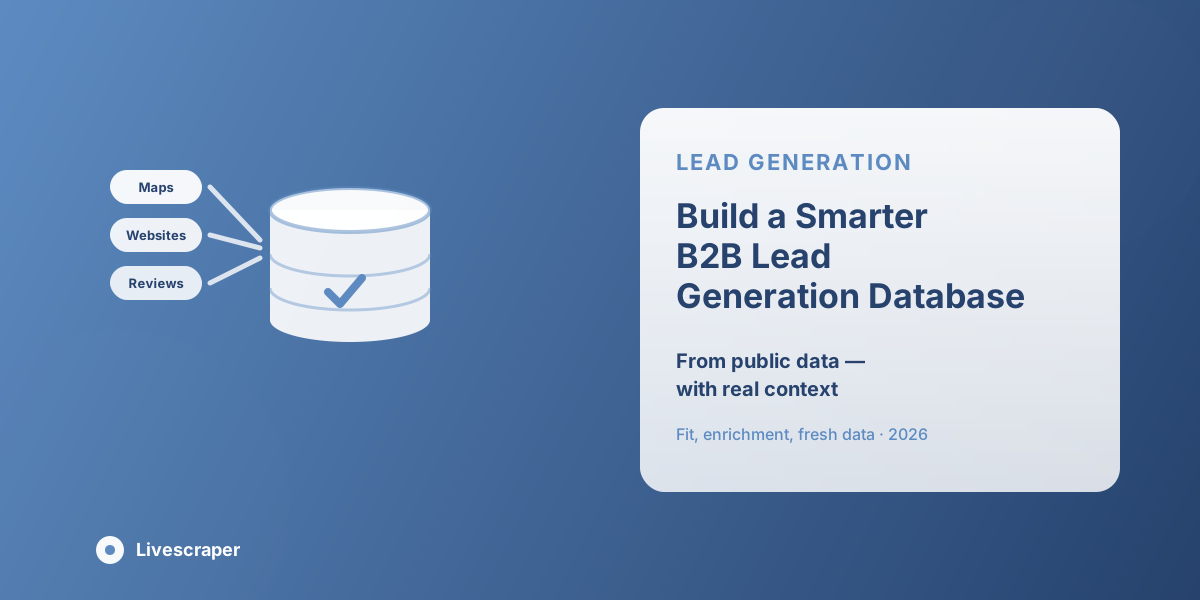
A smart B2B Lead Generation Database is not just a collection of names, emails, and phone numbers. It should help a sales team understand which companies are worth contacting, why they fit the offer, and what kind of message may get a response. Public business data can support that work when it is collected carefully and kept in a useful structure.
Livescraper helps teams turn public data from sources like Google Maps, business websites, reviews, and open web signals into cleaner records. Instead of copying scattered details into a sheet, teams can build a working database with business names, websites, locations, categories, contacts, ratings, and notes. The goal is simple: give sales, marketing, and research teams a better way to find real opportunities without starting from zero every week.
Why Ordinary Lead Lists Fall Short
Many sales teams have seen the same problem. A list arrives with hundreds or thousands of companies, but the records are thin. A business name may be there, but the website is missing. A phone number may be there, but the category is unclear. An email may be listed, but there is no context about why that company was included. That kind of list creates extra work. Reps have to open websites, check locations, search categories, and guess which companies are worth contacting. Managers may see a large file, but the team cannot move quickly because the records do not explain enough.
A better lead file should answer a few simple questions:
- What does this business do?
- Where does it operate?
- Is it active?
- How can the team contact it?
- Why might it be a good fit?
- What should the first message focus on?
When those details are missing, the list becomes a burden. When they are included, the list becomes a sales asset.
Start with the Market You Want to Understand
The biggest mistake is collecting data before defining the market. A team may say it wants local businesses, but that is too broad. A payroll company, web design agency, booking platform, software company, or reputation service will not target the same audience. The market should be clear before any search begins. For example, a booking platform may focus on clinics, salons, gyms, and service providers. A marketing agency may look for restaurants with strong reviews but weak websites. A software company may want businesses with several locations. A research team may compare categories across different cities.
Starting with the market keeps the database clean. It also helps the team decide which fields matter. A sales team may need phone numbers and websites. A local SEO team may need review counts and categories. A research team may need location spread and ratings. A good B2B Data Provider should not only deliver rows. It should help the team work with records that match the real business question.
What Public Data Can Tell You About a Business
Public data can show more than contact details. It can show signs of business activity, visibility, and fit. A Google Maps listing can include the category, address, phone number, website, ratings, reviews, working hours and business status. A website can display services, contact pages, team info, forms, and social links. Reviews can be a good indication of what customers like or dislike.
A business with many reviews may already have local demand. A company with no website may need digital support. A service provider with several locations may need better systems or reporting. A business with poor reviews may need help with customer experience or reputation. The point is not to judge the business from one field. The point is to combine several public signals and build a clearer picture. This is where public data becomes useful for prospecting. The team is not just finding companies. It is learning enough to decide which companies deserve attention.
Building a Better Database with Livescraper
Livescraper can support a more practical workflow by helping teams collect public business data, organize fields, clean records, and prepare exports for sales or research. The process does not need to be complicated. It works best when the team follows a simple structure.
Choose the Right Source and Fields
Start with the source that matches the goal. If the team needs local companies, Google Maps data may be the first step. If the team needs emails, websites and contact pages may matter more. If the team wants service quality signals, reviews may be useful. Choose fields that the team will actually use. Business name, category, website, phone number, city, address, rating, review count, and contact source are often enough for a strong first layer.
Enrich the Record Before Outreach
A plain contact list is rarely enough. The team may need verified business contacts, websites, social links, category details, or service notes before a rep can write a useful message. This is where sales data enrichment helps. It adds more context to the record so the sales team is not working from a blank row.
Remove Duplicates and Weak Records
Duplicates create confusion. A business may appear more than once because of branches, spelling differences, or overlapping categories. Before sending the file to sales, remove repeated records and mark any business that does not match the campaign. Weak records should also be reviewed. If a business has no usable contact route, unclear category, or poor fit, it may not belong in the first campaign.
Export the Data in a Usable Format
The database should not stay trapped inside a tool. Teams need exports they can open, filter, and share. CSV, Excel, or CRM-ready files make the data easier to use. A good export should have clear columns, consistent names, and enough space for notes, status, and ownership.
Keep Contact Details Connected to Business Context
Contact details lose value when they are separated from the business profile. An email or phone number is helpful, but only when the team knows who the company is and why it matters. A good record should keep the contact route connected to category, location, website, business type, and notes. This prevents awkward outreach. It also saves time because reps do not have to repeat the research before writing a message.
For example, a rep should not only see a phone number. They should see that the company is a dental clinic in Dallas, has strong review activity, uses a basic website, and may be a fit for appointment software. That context changes the first conversation. This is why a prospect database should be built around business meaning, not just contact storage. The record should tell a small story. Who is this company? What do they do? How can they be reached? Why are they on the list? When that context is kept together, the data becomes easier to assign, prioritize, and use.
Score and Segment Records Before Outreach
Not every record should go to sales at the same time. Some companies are strong fits. Some need more research. Some should be removed. A simple scoring system can help teams manage the database without overthinking it.
A basic scoring model may include:
- High priority: strong fit and clear contact route
- Medium priority: good fit but missing one detail
- Low priority: unclear need or weak fit
- Review later: useful record, but not ready now
- Remove: duplicate, irrelevant, or poor match
Segmentation also matters. A software company may want to group clinics separately from salons. A web agency may separate businesses with websites from those without websites. A research team may sort by city, category, rating, or company size. Segmentation makes outreach more relevant. A message for a multi-location business should not sound the same as one for a small, single-location shop. A business with poor reviews needs a different approach than one with strong customer demand but a weak online presence.
Use the Database for Market Learning
A smart database should improve with every campaign. It should not be a one-time spreadsheet that gets forgotten after one outreach round. When the team tracks replies, meetings, closed deals, bad fits, and useful notes, the data starts teaching the team what works. This turns a simple lead file into company intelligence. The team can see which categories respond better, which locations are stronger, which contact paths work best, and which message angles create conversations.
For example, a team may discover that clinics with strong review activity respond better than clinics with no recent reviews. An agency may learn that restaurants without websites are not always the best fit, but restaurants with outdated websites and high review volume are better. A software company may find that businesses with multiple branches are more likely to book a demo. These insights help improve the next search. Instead of repeating the same broad process, the team can refine the target and build stronger lists over time.
Keep the Data Fresh Over Time
Business data changes. Websites get updated. Phone numbers change. Companies close, move, expand, or rebrand. A database that is not refreshed will slowly lose value. This is why the team should decide how often to update records. Fast-moving categories such as restaurants, salons, clinics, and local services may need more regular checks. Slower industries may only need periodic refreshes.
A simple refresh process can include:
- Checking whether the website is still active
- Updating phone numbers or contact paths
- Removing closed or irrelevant businesses
- Adding new companies in the target category
- Reviewing ratings and recent activity
- Updating outreach status
Livescraper can support repeat workflows, helping teams collect new data and compare it with older exports. This keeps the database closer to the current market. Fresh data also helps sales reps trust the list. If reps know the records are recent and reviewed, they are more likely to use them confidently.
Use Public Data Responsibly
Public data should not be used lightly. A business listing, website or review may be publicly visible, but that doesn’t mean the data can be used carelessly. Teams must comply with outreach rules in their target market and keep messages relevant. A good fit is the beginning of responsible use. Don’t call businesses that are clearly not a match for the offer. Avoid misleading subject lines, vague claims and aggressive follow-ups. If a company asks not to be contacted again, do not include them in future campaigns.
Data should also be stored in a way the team can manage. All records moved into a CRM should have source notes, update dates, ownership and status labels. Also, the team can avoid reaching out several times; the process is more transparent. A smarter database should help sales teams act with more care, not less. Good data should lead to better conversations, not higher-volume spam.
Conclusion
A strong B2B data workflow is not built by collecting random contacts. It comes from clear targeting, useful fields, clean records, enrichment, and regular updates. Livescraper helps teams turn public business information into structured records that support sales, research, and market learning. By keeping contact details connected to category, location, website, notes, and activity signals, teams can build lists that are easier to trust and act on. The best database is not the largest file. It’s the one that helps the team understand the market, pick companies that are a better fit and start conversations that are more relevant.